

1
Navigate to the Attributes Library
Search for 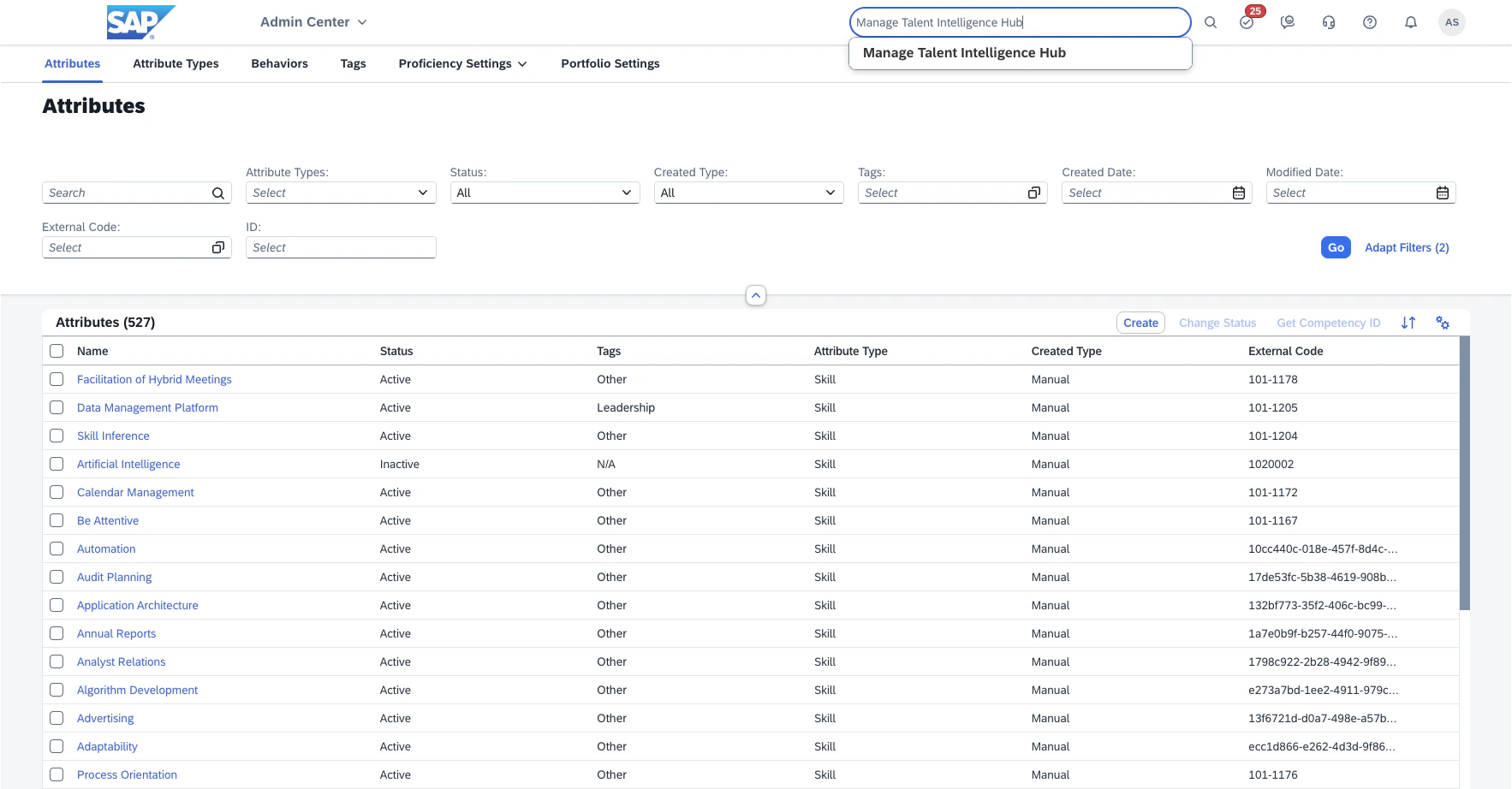
Manage Talent Intelligence Hub, and navigate to the Attributes tab.
This is the default starting tab when navigating to the Talent Intelligence Hub management view.2
Find the skill
In the list of attributes, find the desired skill.This can be made easier by using the filters at the top of the page:
- The
Searchfield can be used to search for a skill by name. - The
Attribute Typefilter can be used to only show skills (Skill). - The
Statusfilter can be used to only show active attributes (Active).
Go to apply them.When selecting an arbitrary skill attribute for testing, ensure it is indeed a skill (
Attribute Type is Skill) and it is active (Status is Active).3
Find the relevant identifier for the skill
Attributes in SAP SuccessFactors can be uniquely identified in three separate ways: their Name, their External Code, and their ID.
Different situations will require the use of different identifiers: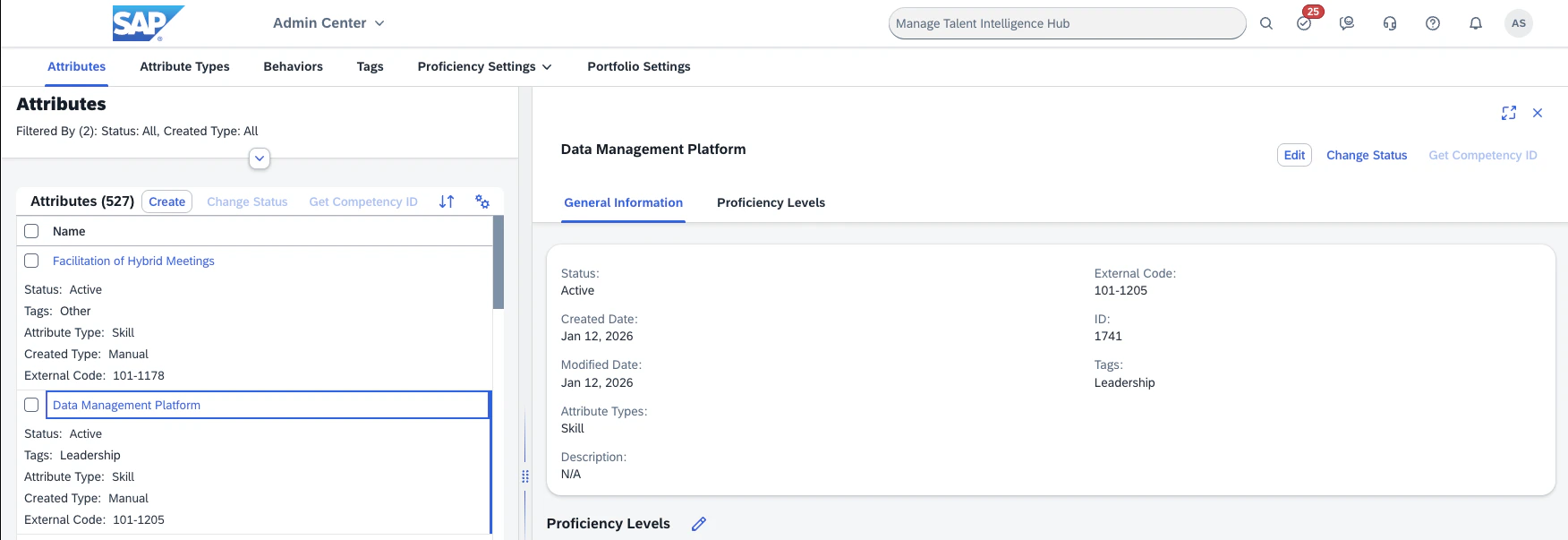
- For the Employee Skill Sync, the External Code is used.
- For the Job Skill Sync, the ID is used (this ID is also referred to as the
WSM ID). - For the Skills Taxonomy Sync, all three identifiers are used, with the Name being used as the primary identifier.