

The end-user experience
Once an administrator has installed the agent for a user, the TechWolf Analyst Agent appears inside Microsoft 365 Copilot as one of the user’s agents. From there, using it is the same as any other Copilot agent: the user opens it and asks a question in natural language. This page walks through what an end user sees.Finding the agent
In Microsoft 365 Copilot, the user selects More agents in the sidebar to open the Agent Store. The TechWolf Analyst Agent is listed under Built by your org, because it was added to the tenant by an administrator rather than installed from the public marketplace.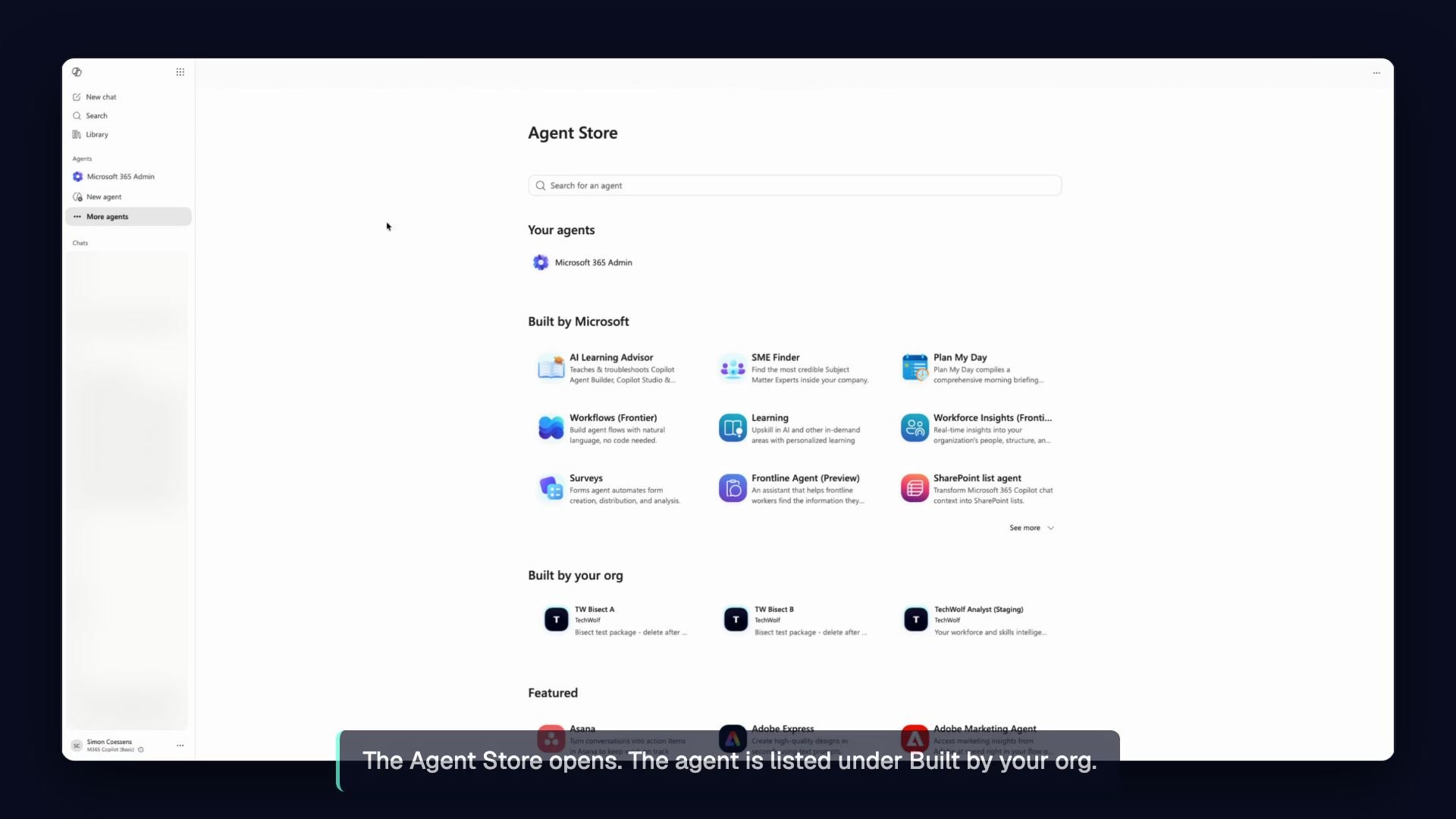
The Analyst Agent is listed under Built by your org.
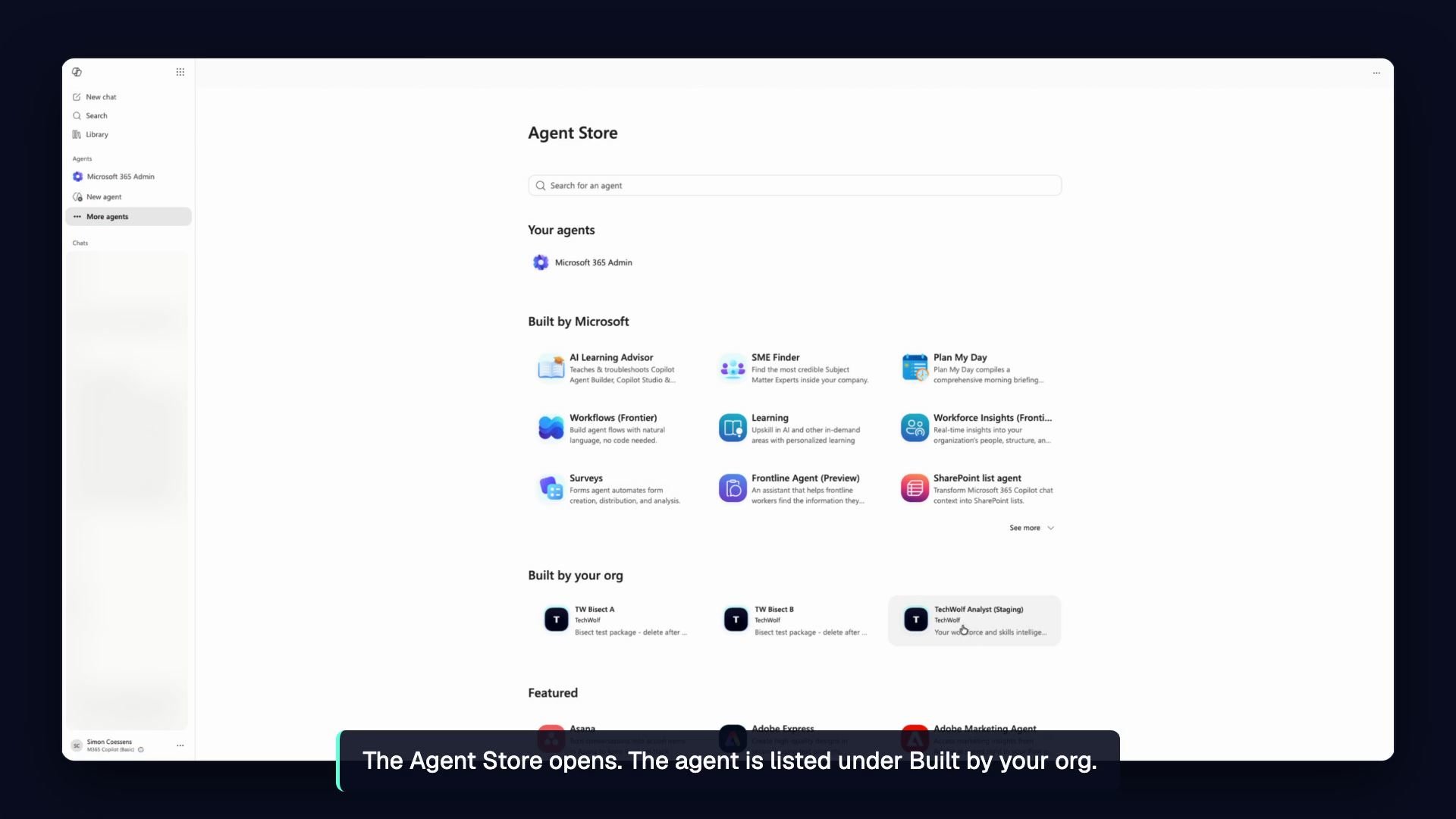
The agent's details show what it does and the permissions it uses.
Asking a question
The user opens the agent and sends a message to get started, the same as any other chat in Copilot. The first reply can take a moment while the agent gets to work. During that time the user may briefly see the agent’s working notes before the answer replaces them.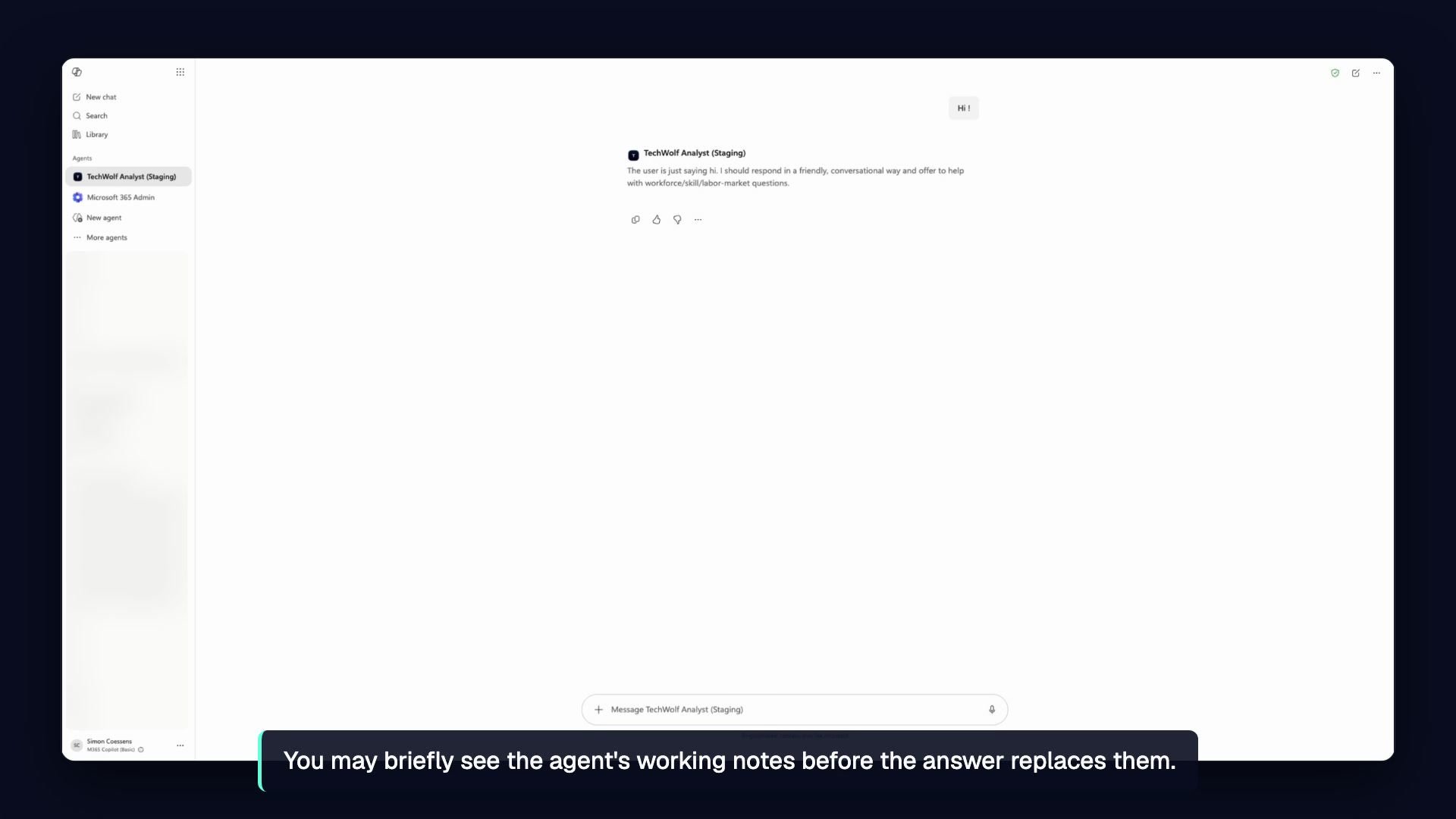
You may briefly see the agent's working notes before the answer replaces them.
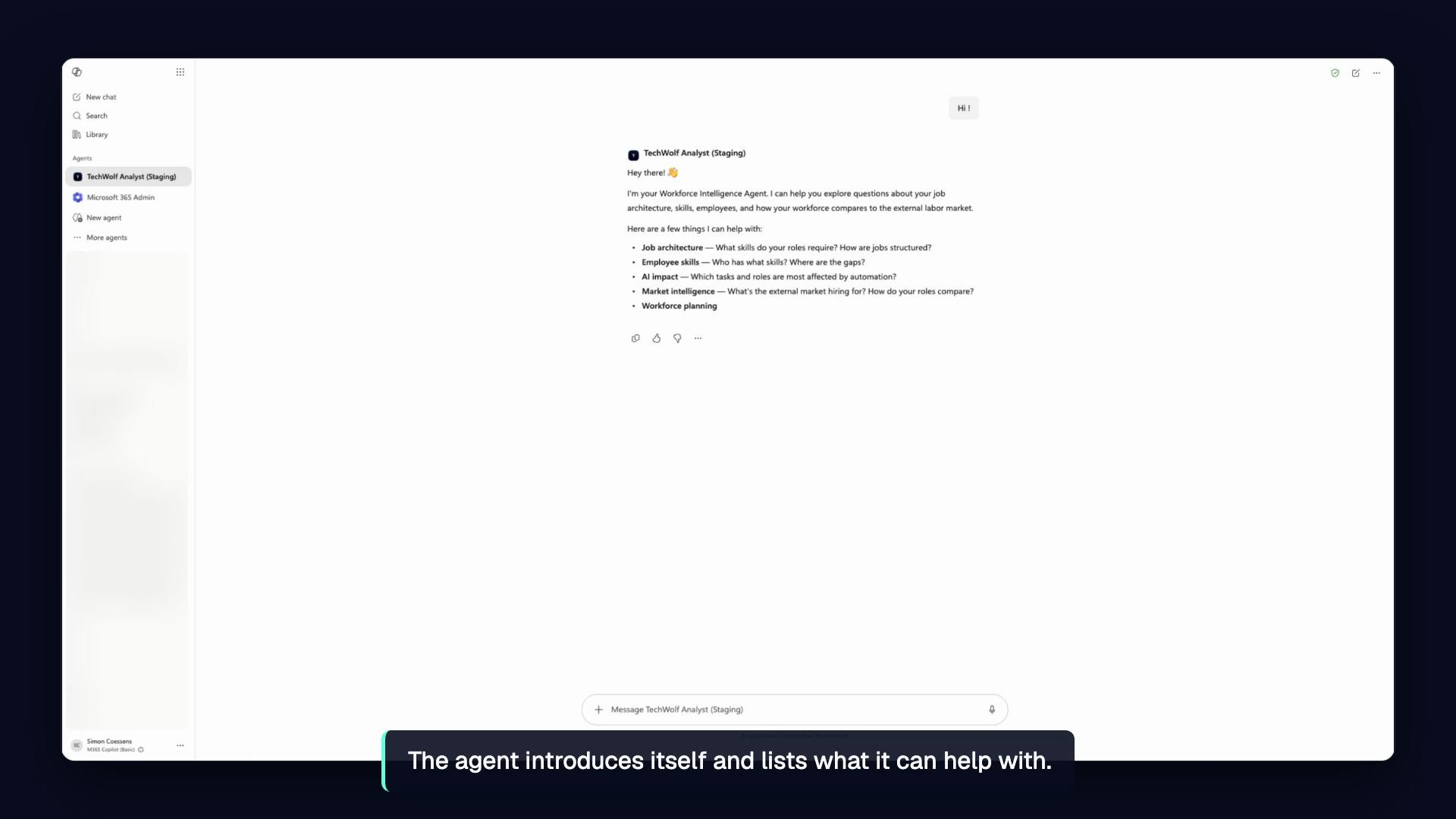
The agent introduces itself and lists what it can help with.
The answers, the data the agent reasons over, and the user’s access scope
are unchanged by using Copilot; it grants no additional access. See
How It Works for the identity and access model.